
Detect Dirty Crypto in Seconds
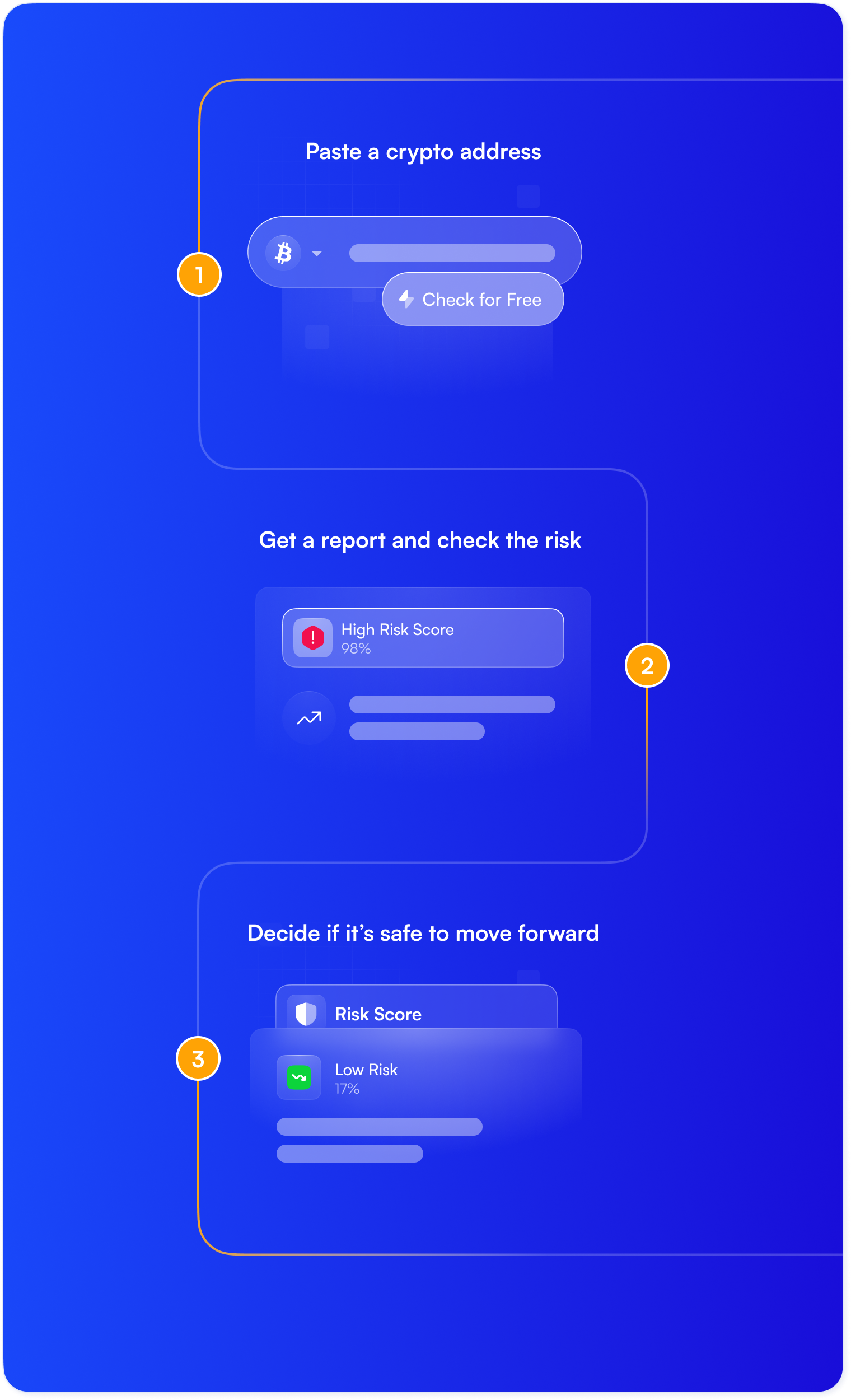
Just paste a crypto address, and Satoshi Eye will quickly check the risks and provide a clear report.
Why Checking Wallets Matters
Account Freezing
Exchanges can suspend accounts holding suspicious coins. Regular checks help ensure all crypto is clean and avoid freezing.

Blocking Crypto
Even 1 risky transaction can lead to blocking access to all associated assets. Mixing in just 1 ‘dirty’ coin can create problems.
Crypto Seizure
If authorities suspect illegal activity, they can freeze and even seize crypto for a long time. Getting money back can be slow and difficult.
Authorities and Crypto Issuers Can Block Coins
Funds can be frozen just for touching flagged wallets. Authorities and issuers like Tether, which issues USDT, have the power to block addresses and freeze funds. Restoring access to a frozen account can take months or even more until the investigation is resolved.
USDT blocked by Tether as of 2025
Blocked by U.K. authorities in a year
By U.S. law enforcement in just 1 case
Who It Is For
I run an OTC desk. Before settling any deal, I always check wallets first, just to avoid trouble later.
I invest in crypto projects. I scan their wallets to see if there’s anything suspicious before putting my money in.
I’m a freelancer. Before I accept payments in crypto, I check the sender’s wallet to make sure it’s not linked to anything shady.
Why Satoshi Eye
Check risks in real time across legal services like exchanges and illegal sources like darknet, scams, and hacks.
To check a wallet, simply enter the address and get the necessary info. There’s no extra setup or downloads.
Get expert-level features, a unique database, and up-to-date information without the big price.
Works great on smartphones and can be used like an app to check wallets anytime, anywhere.
How It Works
What’s In the Reports
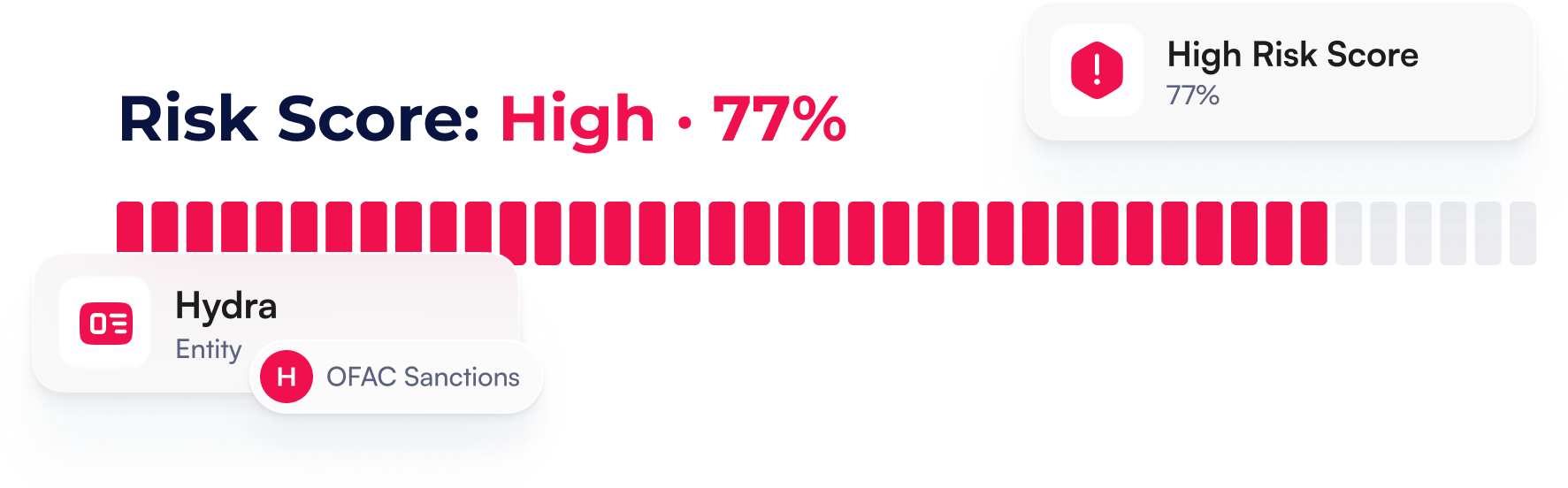
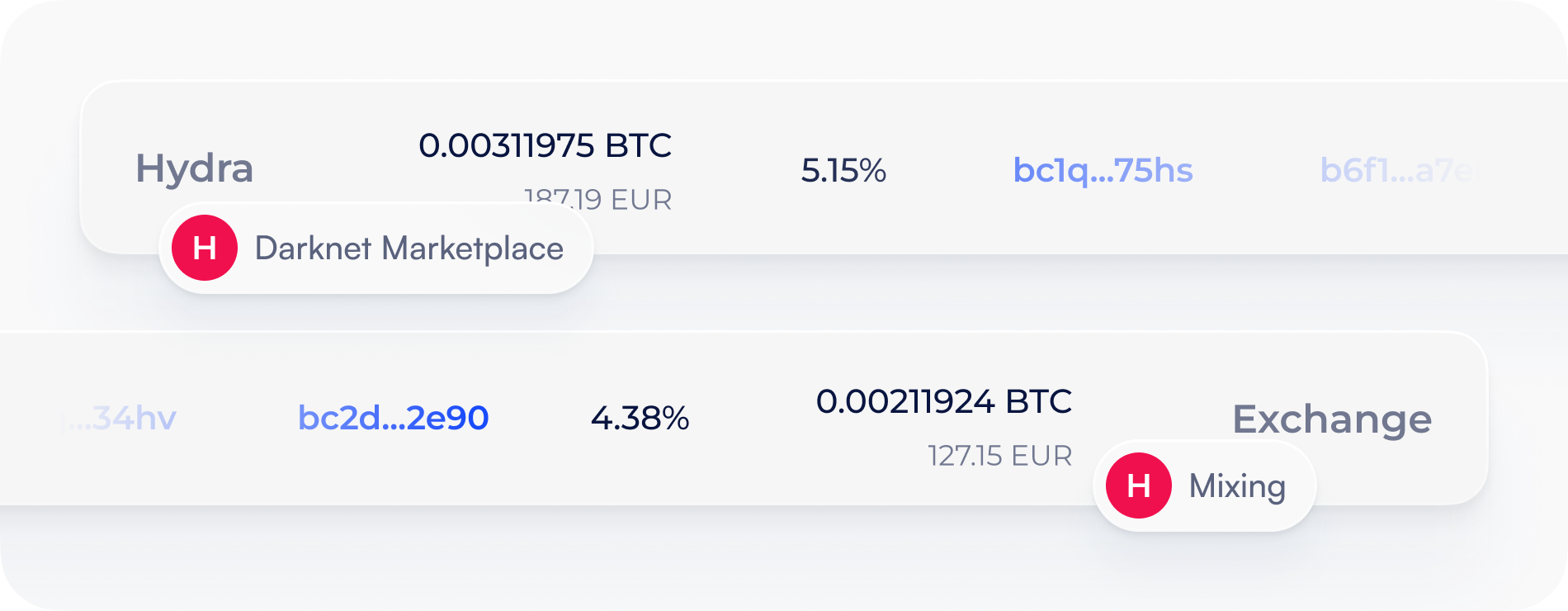
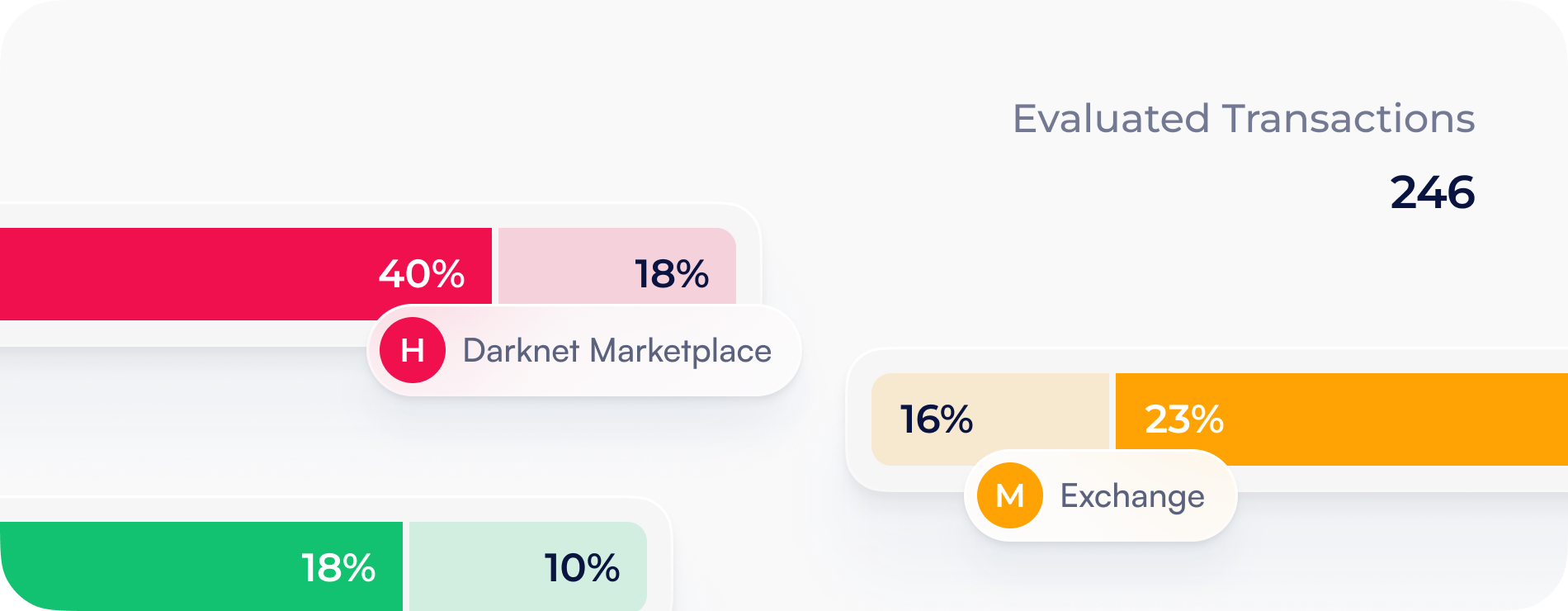
Receive 3 reloads for free. Refresh the report at no extra cost to get the latest updates.
Check if the address is clean
Works on any device. Add to the home screen to use as an app.
FAQ
SatoshiEye helps you check whether a crypto wallet address is connected to scams, hacks, sanctions, or other suspicious activity.
You don’t need any crypto knowledge to use the SatoshiEye tool: just paste the wallet address and we’ll handle the rest.
SatoshiEye checks Bitcoin (BTC), Litecoin (LTC), Bitcoin SV (BSV), Ethereum (ETH) and Tron (TRX).
Yes, SatoshiEye is fully mobile-friendly. You can use it like an app and check wallet addresses anytime, directly from your phone.
If you receive crypto from a wallet linked to scams, hacks, or sanctioned platforms, your exchange account could be frozen, your funds blocked, or you could even lose your money. A quick wallet check helps you avoid these problems before they happen.
Yes, checking public blockchain data is completely legal and safe. You remain responsible for using the service in compliance with applicable laws.
In SatoshiEye, a report provides a complete overview of an address’s risk level. It includes general address information, who is behind the address when this information is available, an AML risk score, and a money trail showing related entities and labels.
A Data Refresh is used to update the report with the latest available data
SatoshiEye subscriptions are billed in advance on a recurring monthly or annual basis. You’ll see the price, billing period, included usage, and next billing date at checkout and in your subscription confirmation email. Your subscription will keep renewing unless you cancel before the next billing date.
You can cancel your subscription at any time in your Account Settings or using the link in our billing emails. Unless we clearly state otherwise, your cancellation takes effect at the end of the current billing period. After that, your subscription won’t renew and you won’t be charged again.
If a renewal payment fails, we may ask you to update your payment method and may temporarily suspend paid features until the payment is completed. If the payment is not completed within the period stated in our notice, we may terminate your subscription.
Here’s how access may change during the 8-day period:
Day 0–3
Restriction: Access to new Reports generation and data refreshes is paused.
Permission: You can still maintain full access to view and download existing Reports generated before the payment failure.
Day 4–7
Total Restriction: Access to all premium features, including the archive of previously generated Reports, is paused.
Day 8
If the payment is still not completed, your subscription may be permanently cancelled.
No. Unless we clearly state otherwise for a specific subscription, unused Reports expire at the end of your current billing period and don’t roll over. Your Report limit refreshes every month, unless otherwise stated.
No, we don’t store your full card details.
Payments are securely processed by Stripe, our payment service provider. Depending on how you check out, you may enter your payment details on a Stripe-hosted checkout page or into Stripe-hosted payment fields embedded in our checkout. Your sensitive payment details go straight to Stripe and never pass through our servers.
If you start a paid subscription or choose to save your payment method, Stripe may save your payment method for future subscription renewals or other authorized charges, in line with your agreement with us and Stripe's applicable terms and privacy notice.
We may receive limited, non-sensitive payment information from Stripe - such as your card brand, last four digits, expiration date, and payment or billing status information. We use this information for billing, customer support, fraud prevention, and compliance.
We never store your full card number or your card verification code (CVV/CVC) after payment authorization.
Unless the law requires otherwise or our Terms of Service explicitly say differently, subscription fees already paid for the current billing period are non-refundable. We also do not provide refunds for any unused time or unused Reports.
Yes.
Upgrading Your Plan (Upgrade)
Payment: You pay the Full Price of the new plan immediately. Any remaining days or reports from your old plan are discarded.
Billing Cycle: Your billing month "restarts" today. Your next payment will be scheduled exactly one month from now.
Reports: Your old report balance is cleared, and you receive the full quota of your new plan instantly.
Access: Higher-tier features are unlocked the moment the payment is successful.
Switching from Monthly to Annual
Payment: You pay the Full Price of the Annual Plan today.
Billing Cycle: Your new "Yearly Anniversary" starts today.
Reports: You receive a fresh quota immediately. This quota will automatically refill every month on the same day of the month you upgraded.
Lowering Your Plan (Downgrade)
Payment: You do not pay anything at the moment you request a downgrade. No refunds are issued for the current period.
Access: You keep full access to your current (higher) plan and all its reports until the end of your current paid period.
Switch: The system only switches you to the lower plan and charges the lower price when your current month or year expires.
Switching from Annual to Monthly
You remain on the Annual plan with all its benefits until the year is up.
On the anniversary date, instead of charging you for another year, the system will switch you to the monthly rate.
Upgrading during Trial (Standard → Pro)
For users who want to try a higher tier before the trial ends.
Payment: No immediate charge. You stay in "Trial Mode."
The Deal: You are essentially telling the system: "On Day 8, please charge me for Pro instead of Standard."
Access: Higher-tier features (like Pro modules) are unlocked immediately so you can test them.
Trial Clock: The 7-day timer does not restart. If you upgrade on Day 4, you still only have 3 days left of the free trial.
Reports: You do not get extra reports. You keep the remaining balance of your original trial quota.
Downgrading during Trial
Trial Ends Instantly: The free trial is terminated immediately the moment you confirm the downgrade.
Immediate Payment: You are charged the full price of the new lower plan right away.
New Start Date: Today becomes your new "Billing Anniversary."
Reports & Access: Trial-only "Pro" features are locked instantly. Your report quota is reset to the full amount of the new paid plan (e.g., you move from 5 trial reports to 75 paid reports).
Crypto News by Email
Subscribe to get insights and the latest crypto news.